
File viewer for Android
Open any file and see it properly.
Photos at full quality, PDFs that stay sharp, CSV and Excel as real tables, code, logs and more. Pay once. No ads, no account, and no internet permission, so nothing you open can leave your phone.
2.49 once, every feature. No subscription.
- JPEG
- HEIC
- DNG
- CSV
- XLSX
- DOCX
- JSON
- MD
- LOG
- HTML
- SVG
- MP3
- MP4
- ZIP
- TTF
One app for the files you get sent
Tap a file in Files, Gmail, Drive or any app, pick Pure Peek, and it opens at once. It only shows files and never changes them.
Photos at full quality
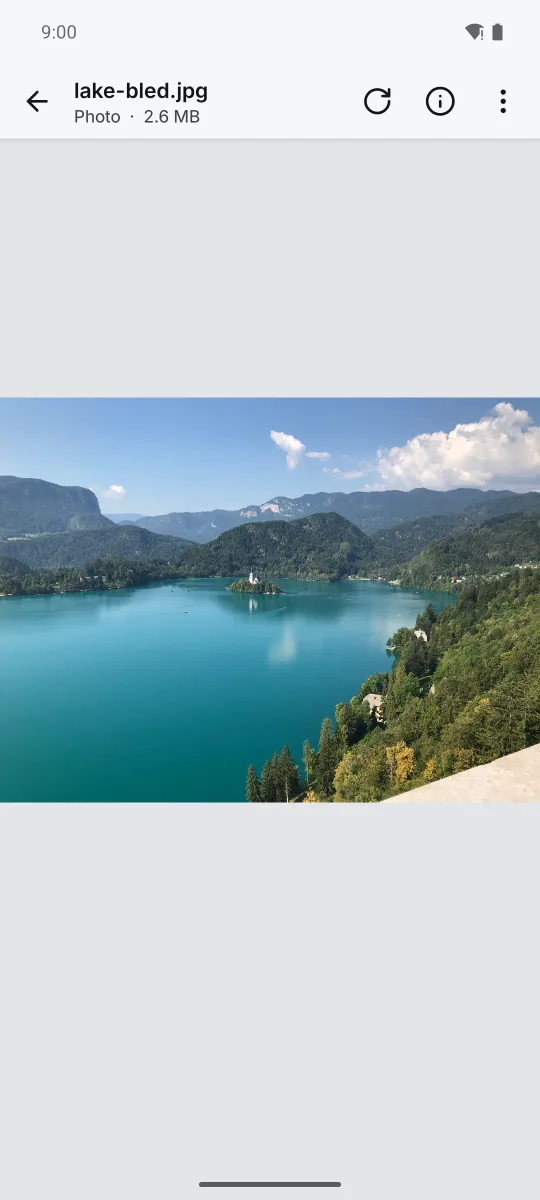
Full resolution drawn in tiles, so a big photo stays sharp when you zoom in, and actual pixels in one double tap. JPEG, PNG, WebP, HEIC, AVIF, GIF, DNG and more, with Ultra HDR and wide colour on screens that show it.
PDF that stays sharp
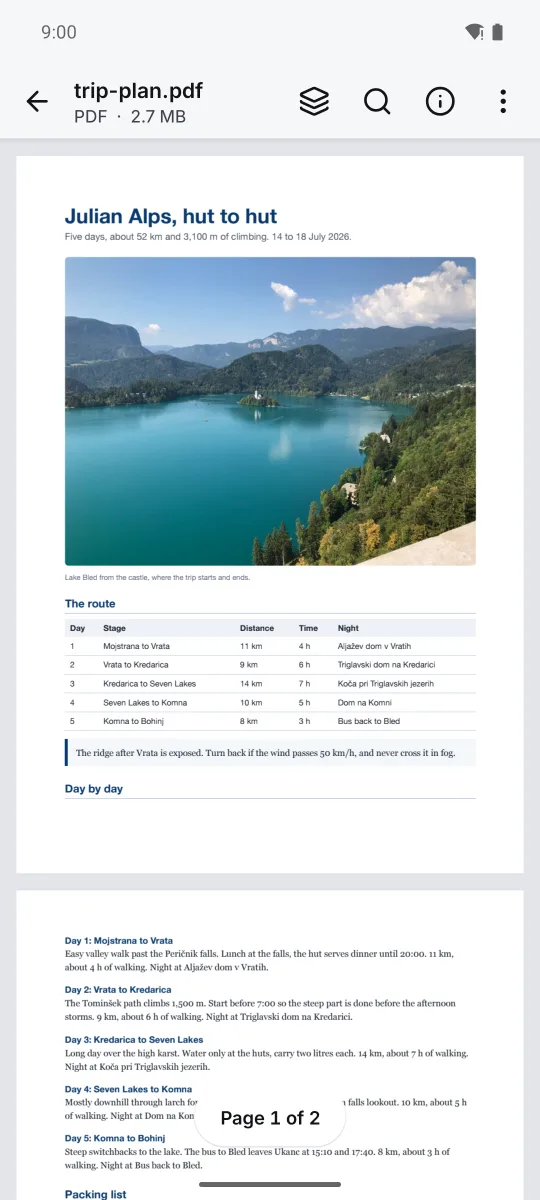
Pages render again at every zoom, so small print stays crisp. Find text, go to a page, copy a page's text, print. Opens where you left off, asks for the password of a locked PDF, and shows a page strip on tablets.
Tables that make sense
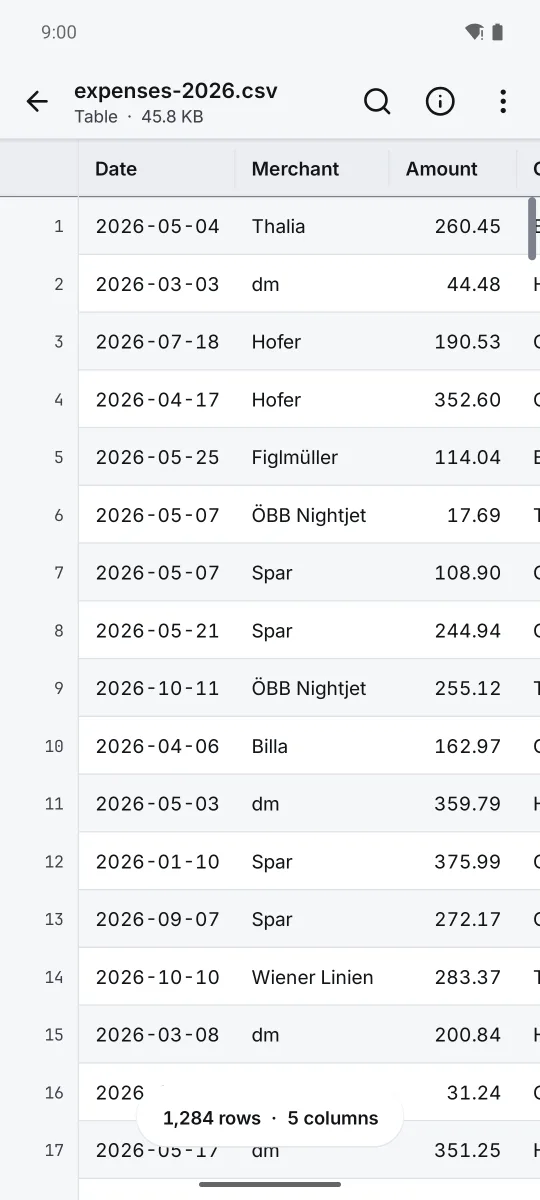
CSV and Excel files as real tables, with the header row and row numbers pinned. Sort any column and see its sum, average and most common values. Tested with half a million rows.
Text, code and documents
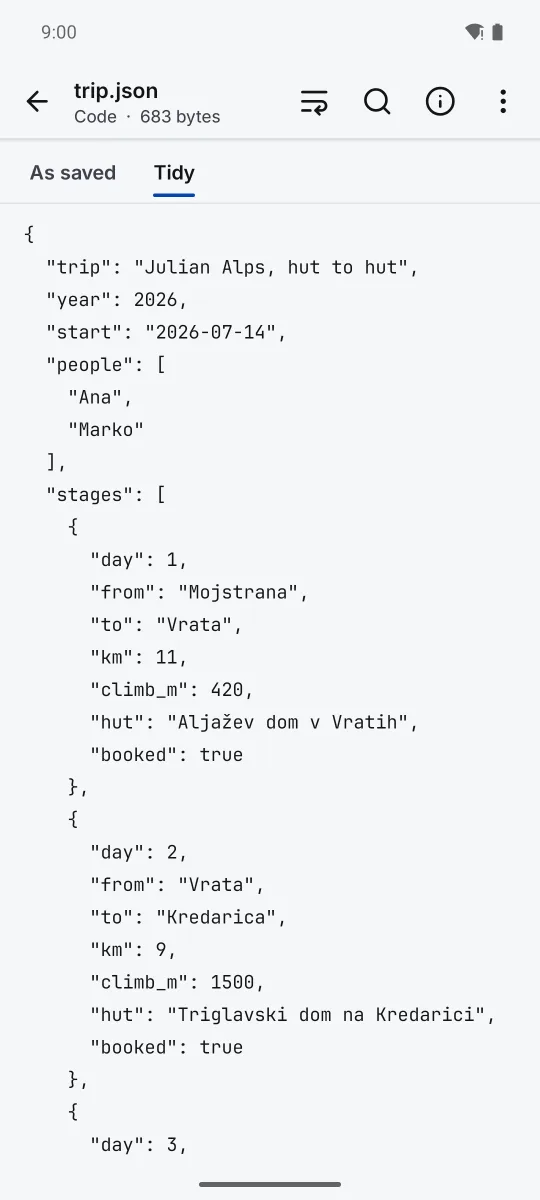
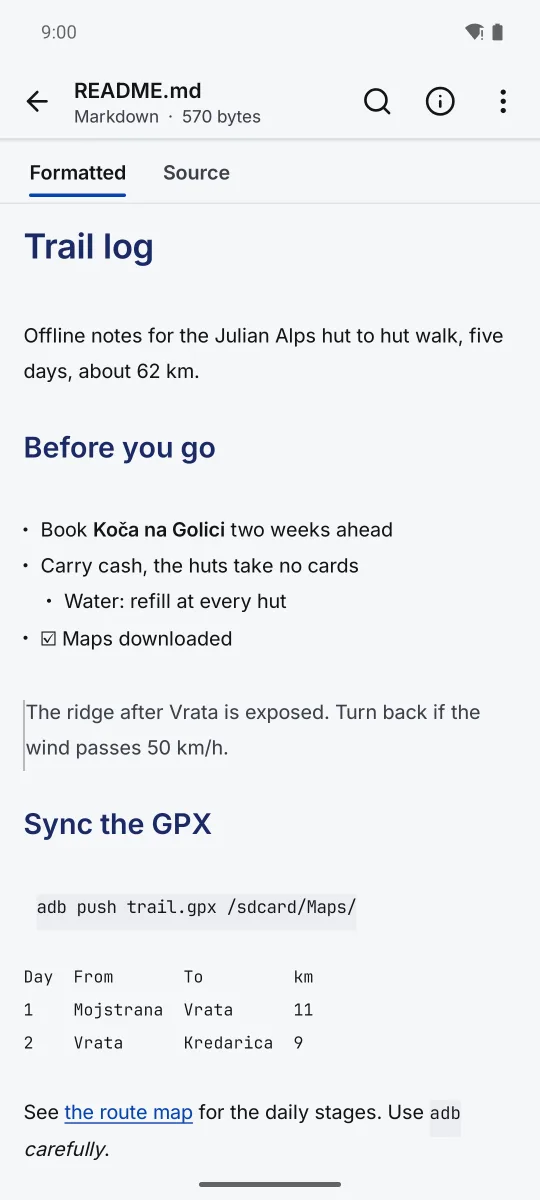
Text, logs and code with line numbers, JSON with a tidy view, Markdown formatted and Word documents as clean text. A 52 MB log opens and searches in a moment.
Web pages and SVG, offline
HTML files and SVG drawings show inside the app with scripts off and every outside request blocked, so a page cannot call home.
Zip archives
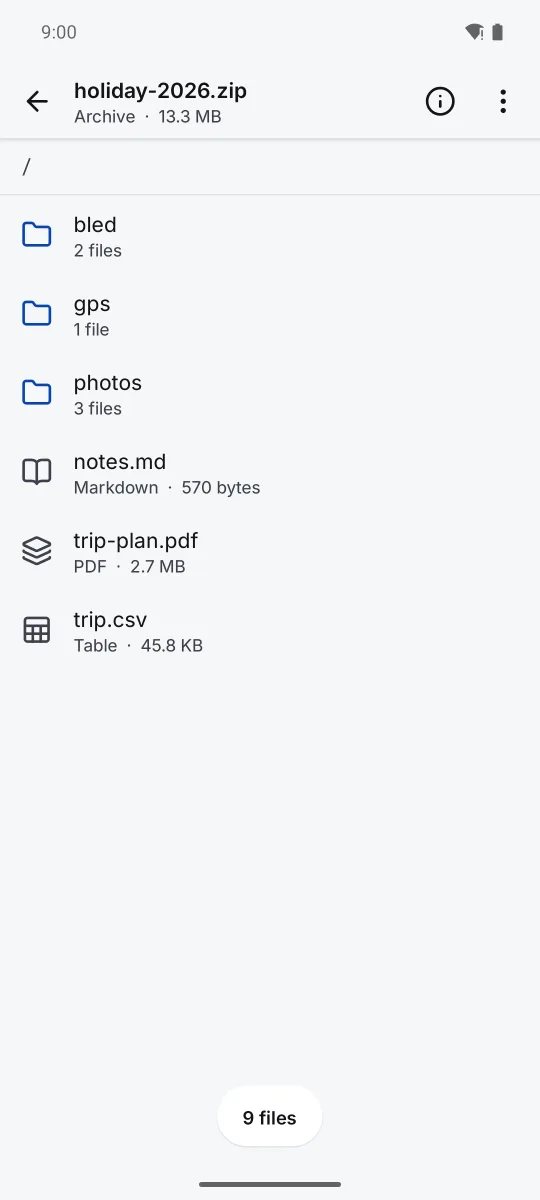
Look inside a zip, walk its folders and open any file in it without unpacking the whole thing.
Audio, video and fonts
Audio with its cover art and tags, video with speed and loop, and fonts with a sample at every size and a box to try your own words.
Every detail of a file
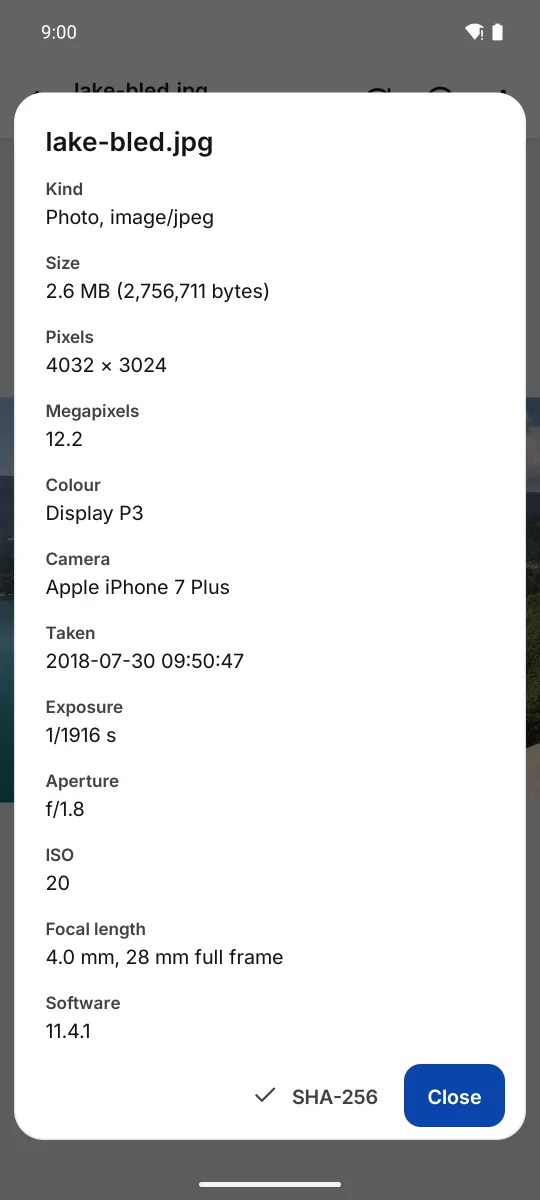
Size, type, pixels, colour space, camera and exposure, and a SHA 256 checksum. Anything else opens as bytes. Share without location takes the GPS out of a photo before it leaves.
What it looks like
Real screens from the app, on files you would get sent on a trip.
Private because it cannot be anything else
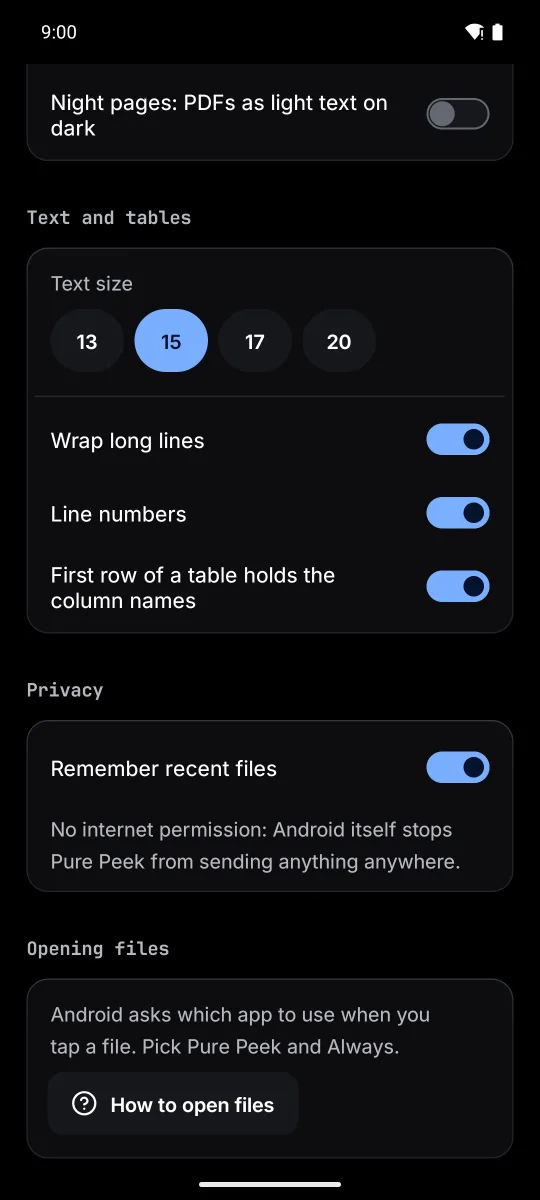
Pure Peek asks Android for no permissions at all. Without the internet permission, Android itself stops it from sending anything anywhere. It sees only the files you hand it.
Open files straight into Pure Peek
Pure Peek shows up wherever Android offers to open a file.
- Tap a file in Files, Gmail, Drive or Downloads.
- When Android asks which app to use, pick Pure Peek.
- Tap Always, so that kind of file opens straight away next time.
You can also share a file to Pure Peek, open a whole folder and swipe through it, pick photos, or start from your recent files. A home screen widget opens files, a folder or photos in one tap.
Questions
How big a file can it open?
We tested a CSV of 500,000 rows (20 MB) and a 52 MB log; both open, scroll and search. Find stops counting at 20,000 matches and shows 20,000+.
Can it edit files?
No. Pure Peek is a viewer, so it never changes or resaves the file you open. Share without location makes a new copy of a photo with the GPS taken out and leaves the original alone.
Does it need storage access?
No. Android hands Pure Peek one file at a time when you open, share or pick it, or the folder you choose with Open a folder. It cannot look anywhere else.
Does it work without internet?
Always. It has no internet permission. Web pages it shows load nothing from outside, and their scripts stay off.
Where do I report a bug or ask for a feature?
On the report page of the user guide, or by email to marko@zanoski.com.